
Signing In to PICT
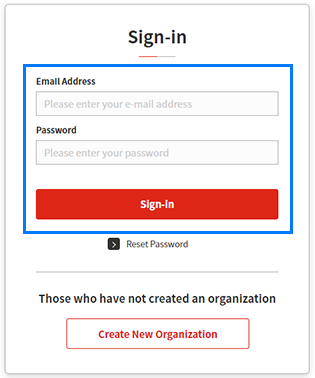
- Access the PICT Sign-in window.
- Enter the email address and password specified when the account was created, then click [Sign-in].
- The Printer list page appears.


- Account-related operations can be made using the [Organization Management] page.
For more information, refer to Online Help from the PICT service page.
