I want to change the organization ownership
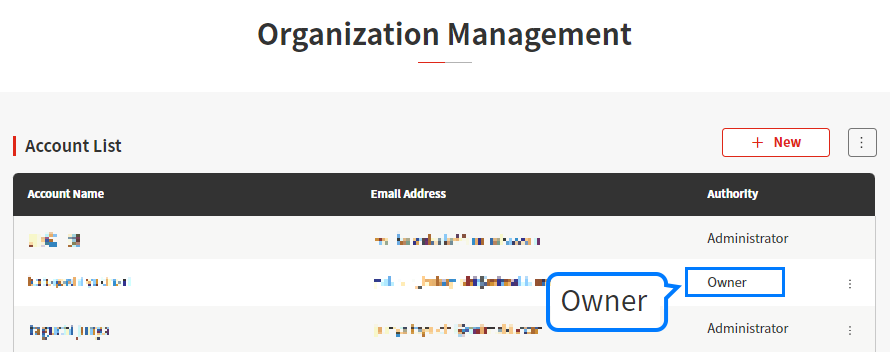
To change the organization ownership (owner authority account), change the settings as follows:
- Sign in to PICT using an account with [Owner] authority.
- Click [Organization Management] in the submenu.
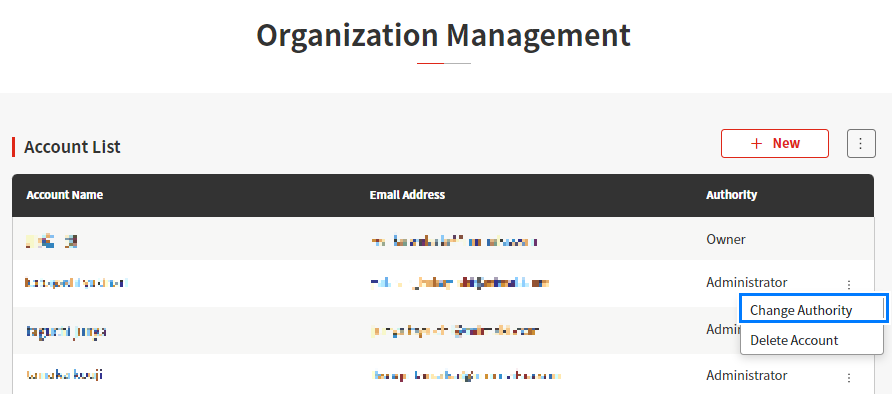
- Open the menu for the account to be made the new organization administrator in the account list, then click [Change Authority].
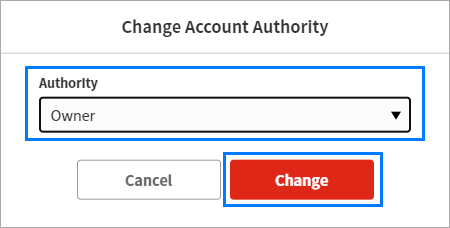
- Select "Owner", then click [Change].
- Check in [List of Accounts] to confirm that the [Authority] setting for the new account set is now "Owner".