
Changing Report Settings
The number of operating days per month and operating hours per day can be set.
The values set are used to calculate utilization rates in reports.

- Utilization rate is calculated as "(Actual operating time) / (Number of operating days × Operating hours per day)".
The actual number of operating days and operating hours must be set to ensure that the utilization rate is displayed accurately.
- Select [Setting] - [Report Settings] in the side menu.
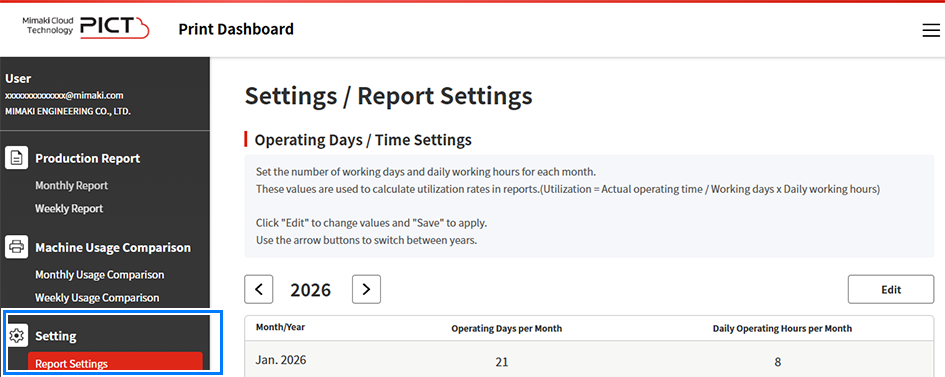
- The report settings window appears.
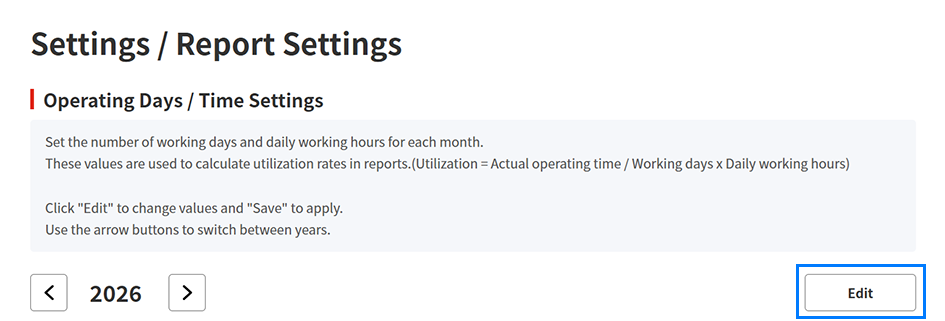
- Click [Edit] to change the number of operating days and operating hours for each month.
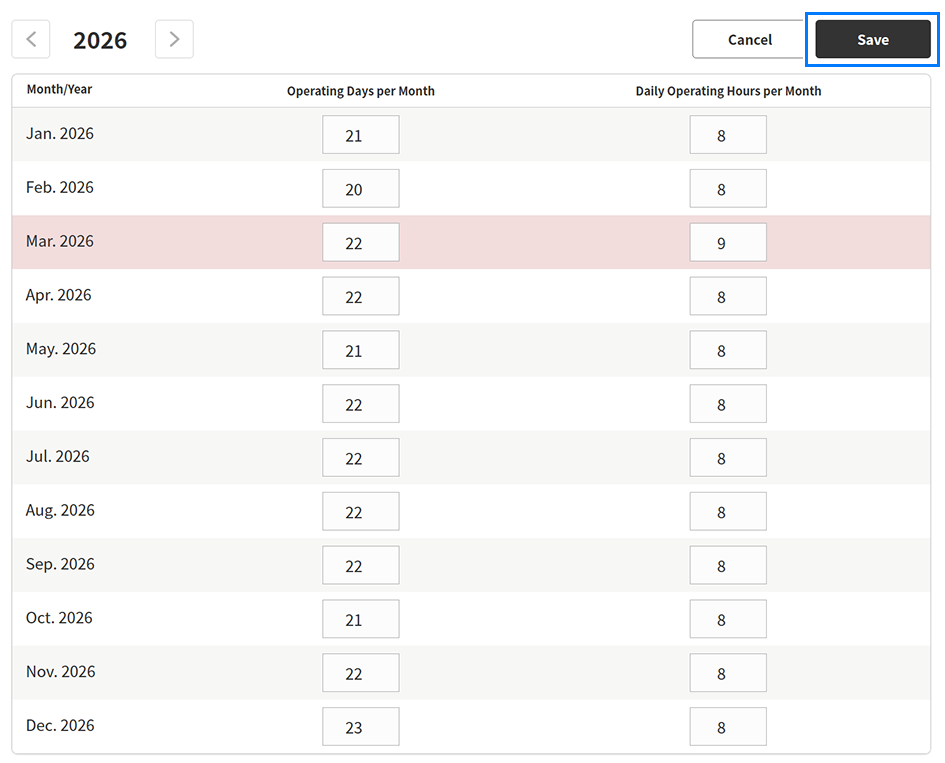
- The following items can be set:

Display item | Explanation |
|---|---|
[Operating Days per Month] | Sets the number of operating days for each month. |
[Daily Operating Hours per Month] | Sets the operating hours per day for each month. This can be set in 0.1 hour increments in the range 0 to 24 hours. |
- Click [Save] to update the settings.
- The settings are saved.
