Remotely Operating a Printer
Printers can be remotely operated via PICT.

- PICT Up version 2.00 or later must be installed on the PC.
- MDC must be version 5.13.0 or later, and must be installed on the same PC as PICT Up.
- The printer must support remote operation.
- When directly connecting the printer to the PC, use with a fixed IP address.
Operation may not be possible if the IP address is set to automatic.
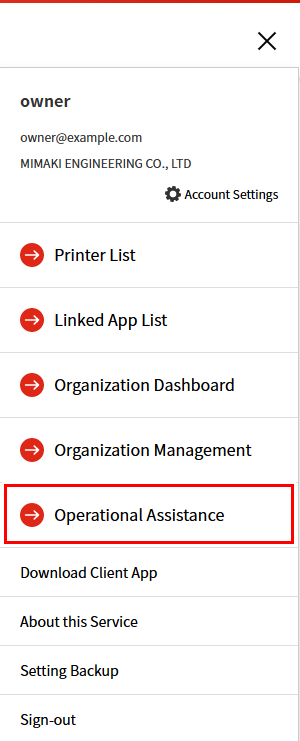
- Select [≡] at the top right of the header, then click [Operational Assistance].
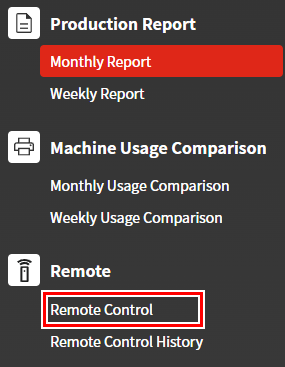
- Click [Remote Control].
- The remote control window appears.
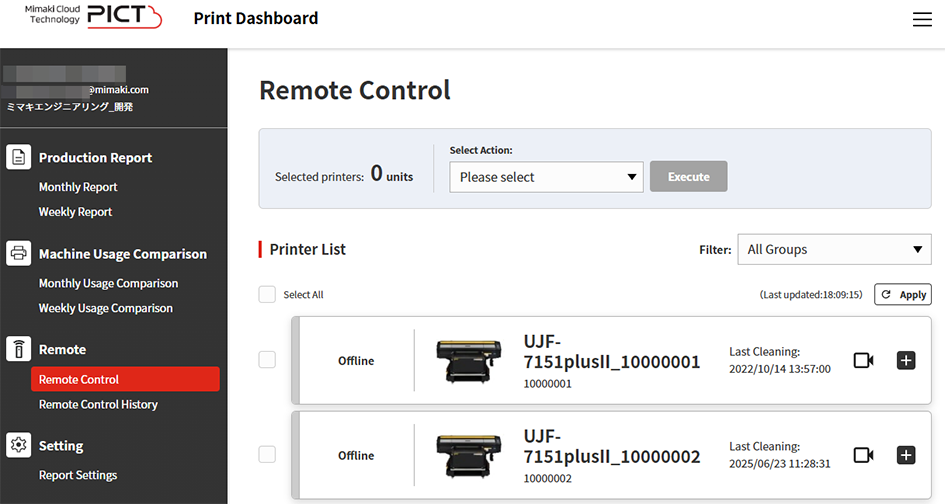
- Select the checkbox for the printer(s) to be remotely operated.


- Selecting multiple printers allows all of the selected printers to be remotely operated.
- Select the desired operation.
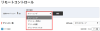
- The following operations are available:

Display item | Explanation |
|---|---|
[Cleaning] | Cleans the printer. |
[Pause Print] | Pauses printing. |
[Resume Print] | Resumes printing. |
[Cancel Print] | Cancels printing. |
- Click [Execute].
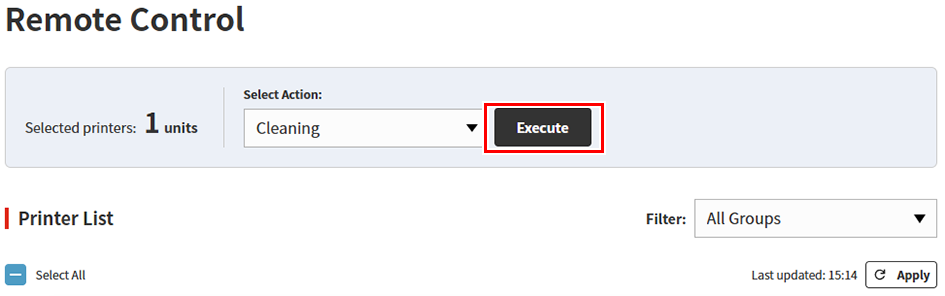
- The selected operation is performed on the printer.
- The operation will fail if the printer is not in a state allowing operation.
Remote operation progress status display
The selected operation and progress status is displayed when a remote operation is executed.

- The progress status is displayed as follows:
Display item | Explanation |
|---|---|
[Sending] | Operation instructions are being sent to the printer. |
[Executing] | The operation instructions have been received and are being executed at the printer. |
[Complete] | The printer operation has ended. |
[Failed] | The printer operation failed. |
Filtering the printers displayed
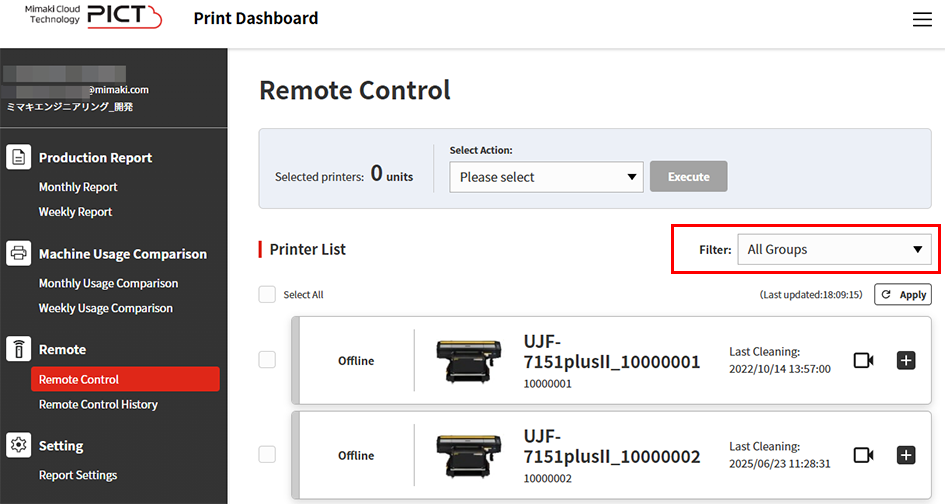
Selecting a group on the filter list enables only those printers set for the selected group to be displayed.
Displaying remote operation history
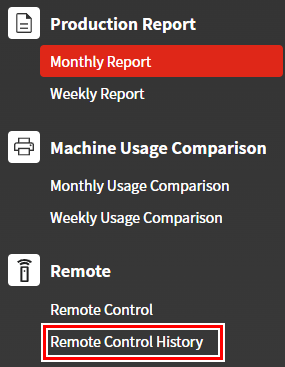
The remote operation history can be checked by clicking [Remote Control History].