
Checking Memos for Files in Cloud Storage
The memos set when files are uploaded can be checked.
- Set the search conditions, then click [Search].
- Click the [Memo] icon (
 ) for the desired file on the Settings Backup File List.
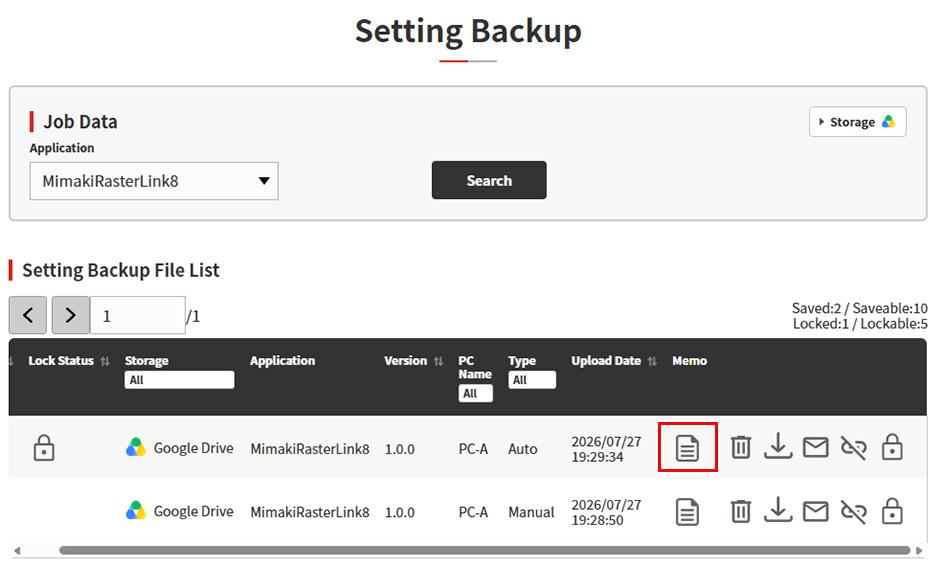
- The memo set for that file is displayed.
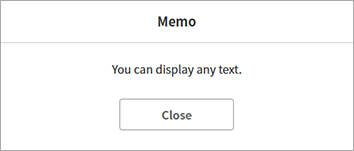

- The memo will be the same for all languages. The same text will be displayed even if the display language is changed.
- Memos can be checked even for files moved to the trash.
