
Deleting Files from Cloud Storage
Files can be deleted if they are no longer required.
- Set the search conditions, then click [Search].
- Click the [Delete File] icon (
 ) for the file to be deleted on the Settings Backup File List.
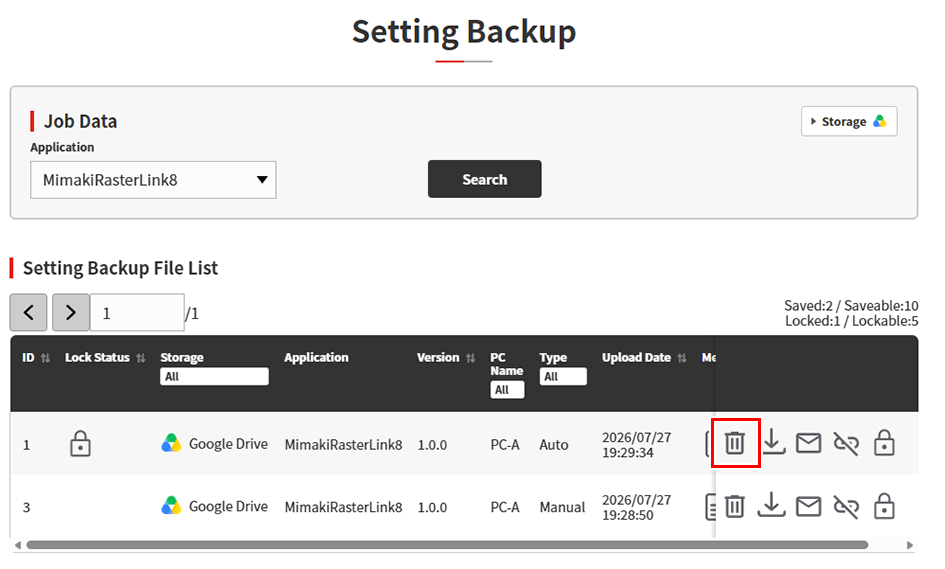
- Click [Delete].
- The selected file will be moved to the recycle bin/trash of the connected storage service.

- Files moved to the recycle bin will not be permanently deleted until the retention period of the connected storage service expires.
- Even if a file moved to the recycle bin is restored, it cannot be used from PICT. Please upload it again.
