
Sharing Files on Cloud Storage
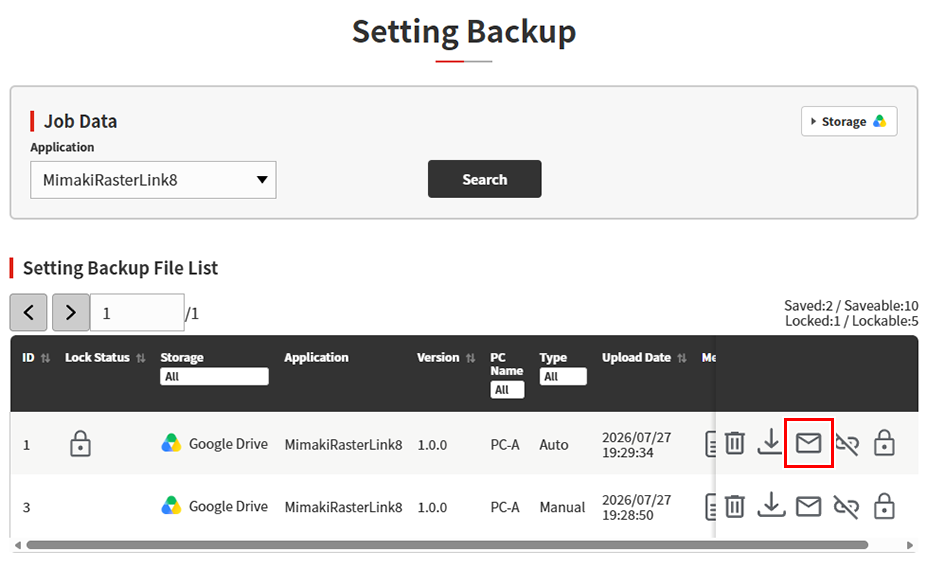
- Set the search conditions, then click [Search].
- Click the [Email] icon (
 ) for the file to be shared on the Settings Backup File List.
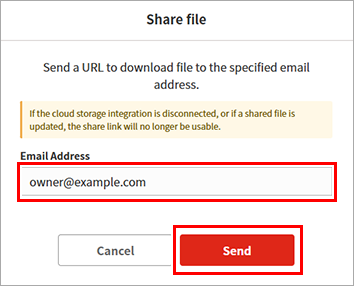
- The file sharing dialog box appears.
- Enter the email address to which the file is to be shared, then click [Send].
- An email containing the download link will be sent to the email address entered.
