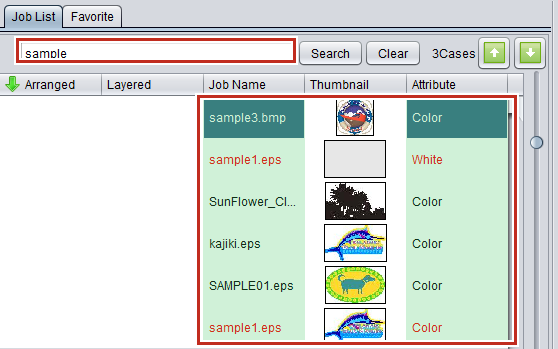
Search using barcode reader
Job search parameters can be read in using a barcode reader for searching.

Barcode reader specifications
QR codes and a barcode reader capable of reading QR codes will be required for Japanese and other double-byte characters characters.
- Connect the barcode reader to the PC.
- Convert the job search parameters into a barcode.
- Use barcode conversion software.

- Print the barcode created on documents such as work instructions.
- Select [Environments] - [Option] - [Display] tab in RasterLink6Plus.

- Select the [Use a barcode reader.] check box.
- Select a barcode reader connected in [Serial port].
- Click [OK].
- Read in the barcode using the barcode reader.
- The corresponding job will be searched for in RasterLink6Plus.