Show the RasterLink6Plus FAQ page
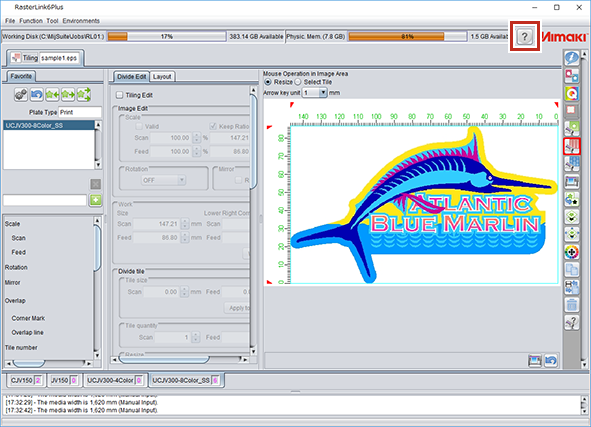
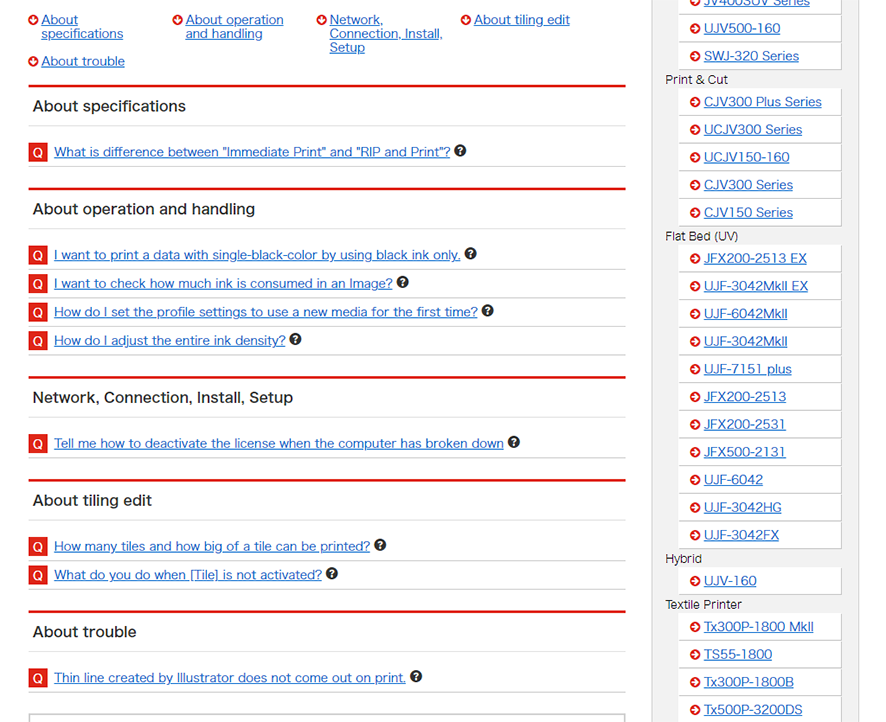
Clicking the RasterLink6Plus [ ] icon opens the RasterLink6Plus “FAQ” page in your web browser.
- Select the required function.
- Click the [] icon.
- The FAQ for the corresponding function is displayed in your web browser.
- The top of the FAQ page will be displayed if there is no corresponding item.