
Show the printer FAQ page
If you are unsure about anything while using the printer, you can click the printer [ ] icon to display the corresponding printer FAQ page in your web browser.
- Select the printer by switching the printer on the screen.
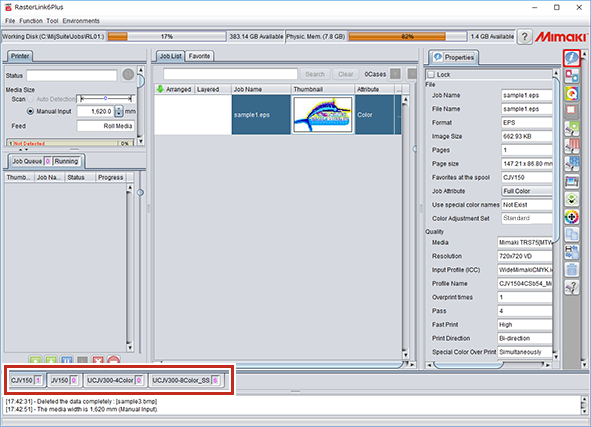
- Click the [
 ] icon.
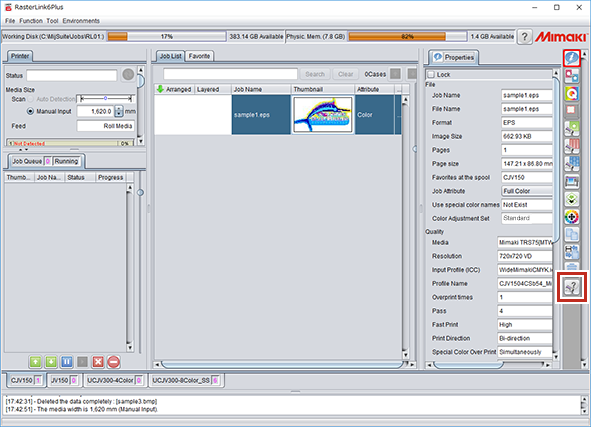
- The FAQ for the selected printer is displayed in your web browser.

