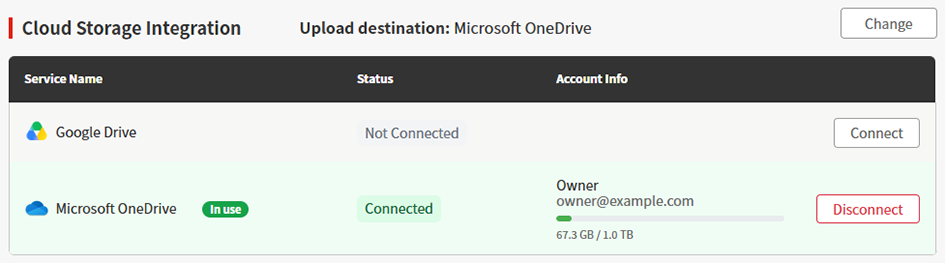
Cloud storage connection settings
Supported cloud storage services
The list of cloud storage services supported by PICT is as follows:
Service name | Explanation |
|---|---|
Google Drive | Service provided by Google. |
Microsoft OneDrive | Service provided by Microsoft. |

- The linking procedures are correct as of October 1, 2026.
The procedures may change due to factors such as service version updates.
Google Drive
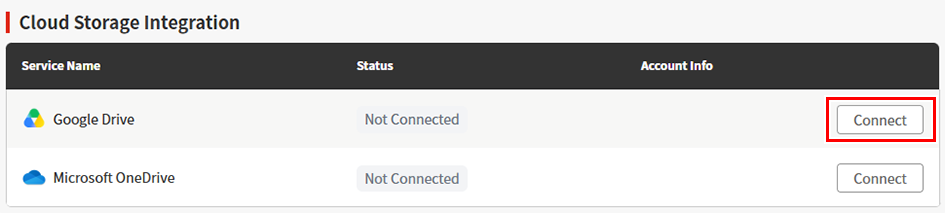
- Click [Connect] for Google Drive.
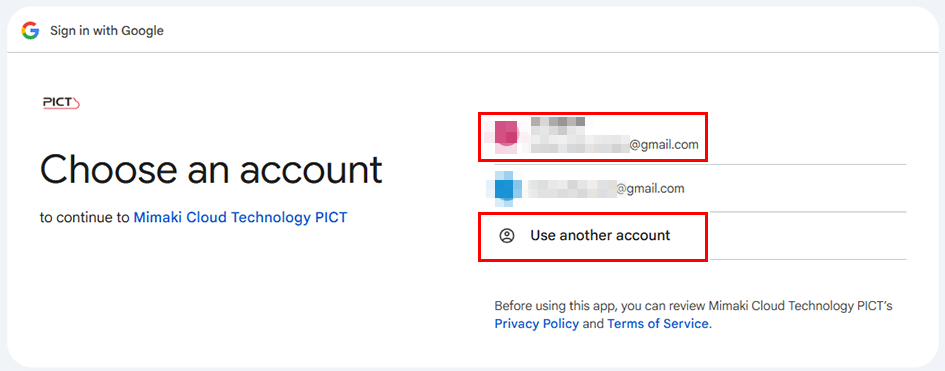
- Select the Google account you wish to link, or click [Use another account], then sign in.
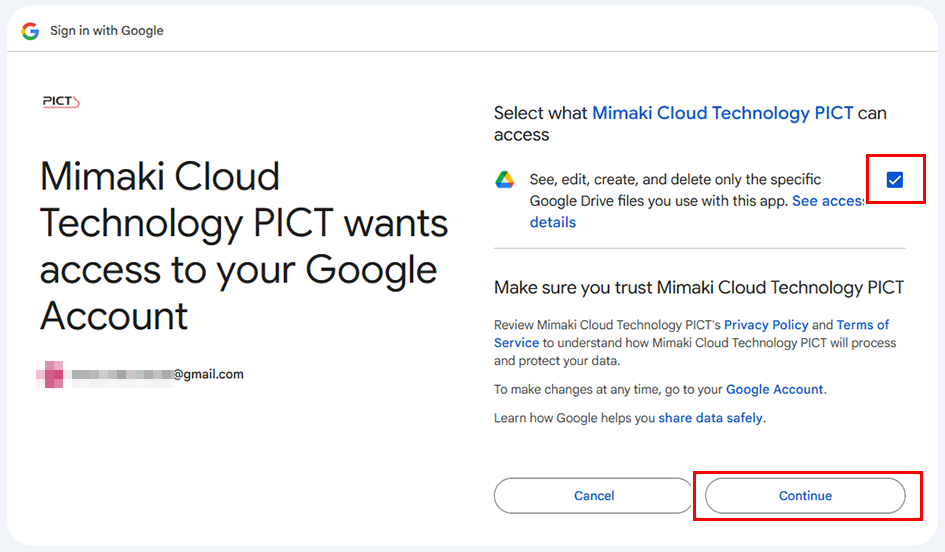
- Select the checkbox for "View, edit, create, and delete only specific files on Google Drive used by this app. Show access details.", then click [Continue].
- Click [Next].
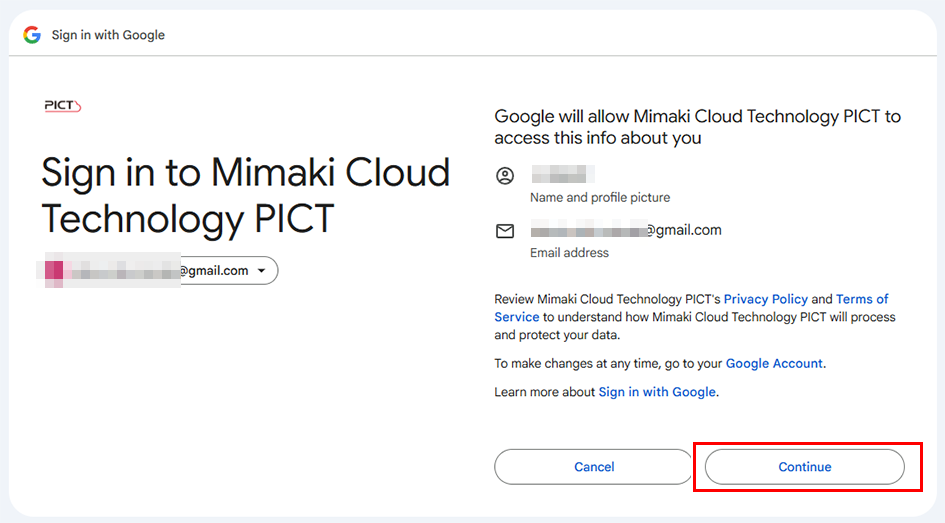
- This completes the procedure for connecting to Google Drive.
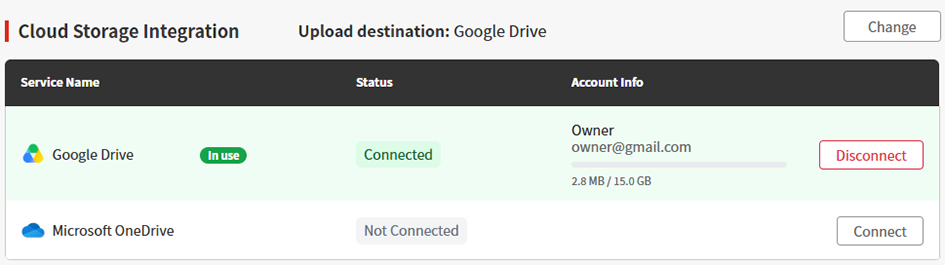
Microsoft OneDrive
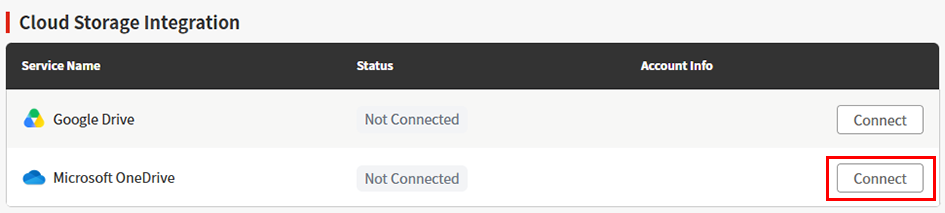
- Click [Connect] for Microsoft OneDrive.
- Sign in to a Microsoft account.
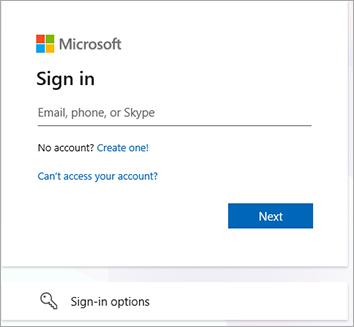

If you are already signed in to a Microsoft account, it will be displayed as follows.
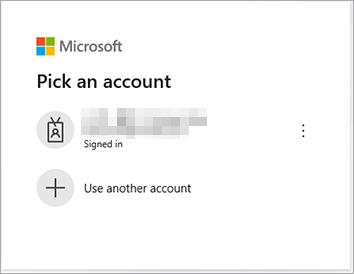
- To use the Microsoft account you are already signed in to, click the corresponding account.
- To use a different account, click [Use another account], then sign in.
- This completes the procedure for connecting to OneDrive.